Optilinko Website Audit Fix On-Page & Technical SEO Issues
In the ever-evolving landscape of digital marketing, the importance of a robust online presence cannot be overstated. Companies, big and small, are continuously vying for attention in an overcrowded marketplace. A well-optimized website is not just a digital business card; it's a dynamic tool that can propel businesses to new heights or plunge them into obscurity. Enter the website audit, a crucial process that serves as a health check for your online assets. This article will explore how the Optilinko Rank Tracker simplifies website audits, enabling SEO professionals, digital marketers, agencies, and business owners to crawl, analyze, and fix issues effectively.
Understanding Website Audits
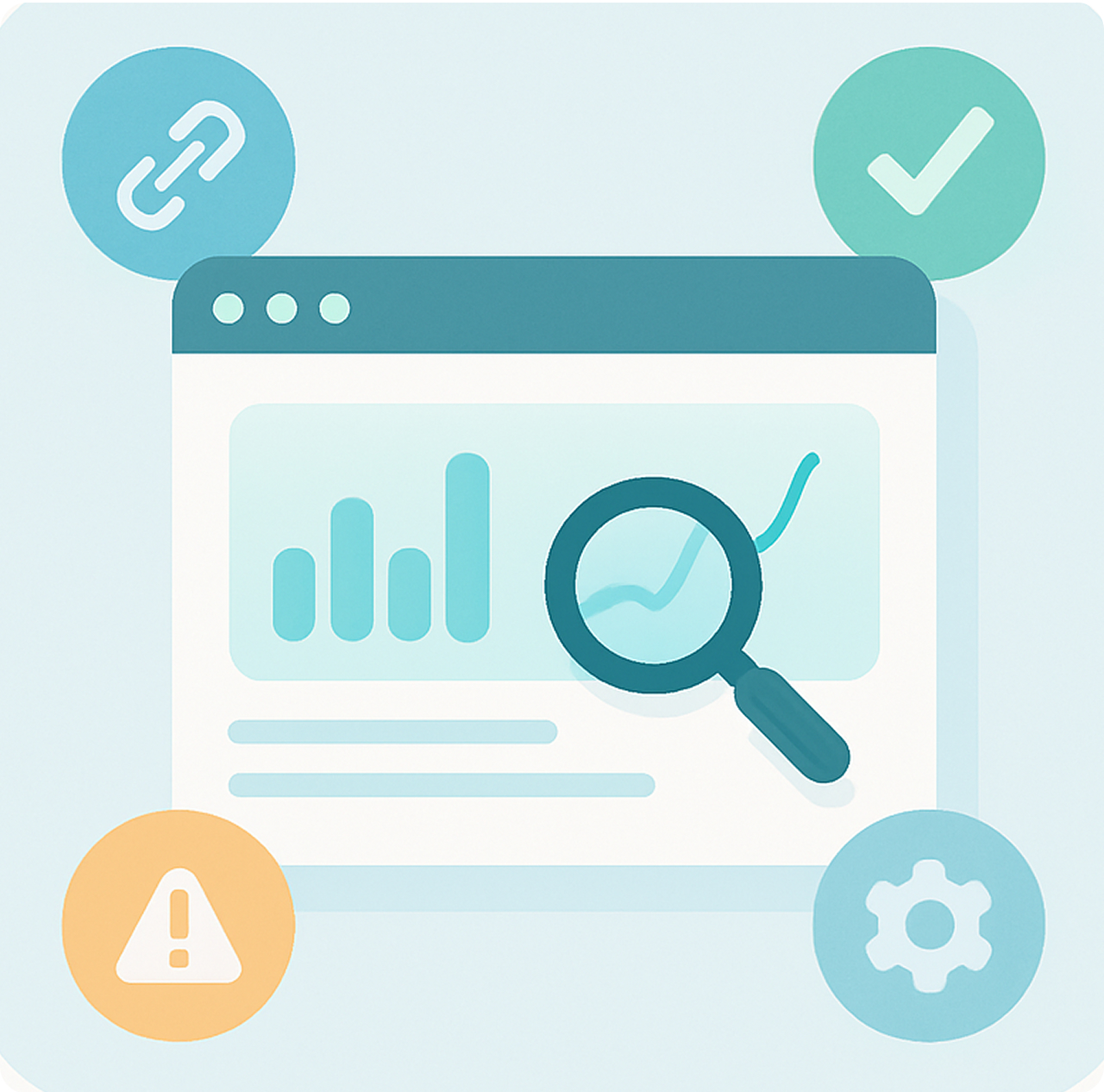
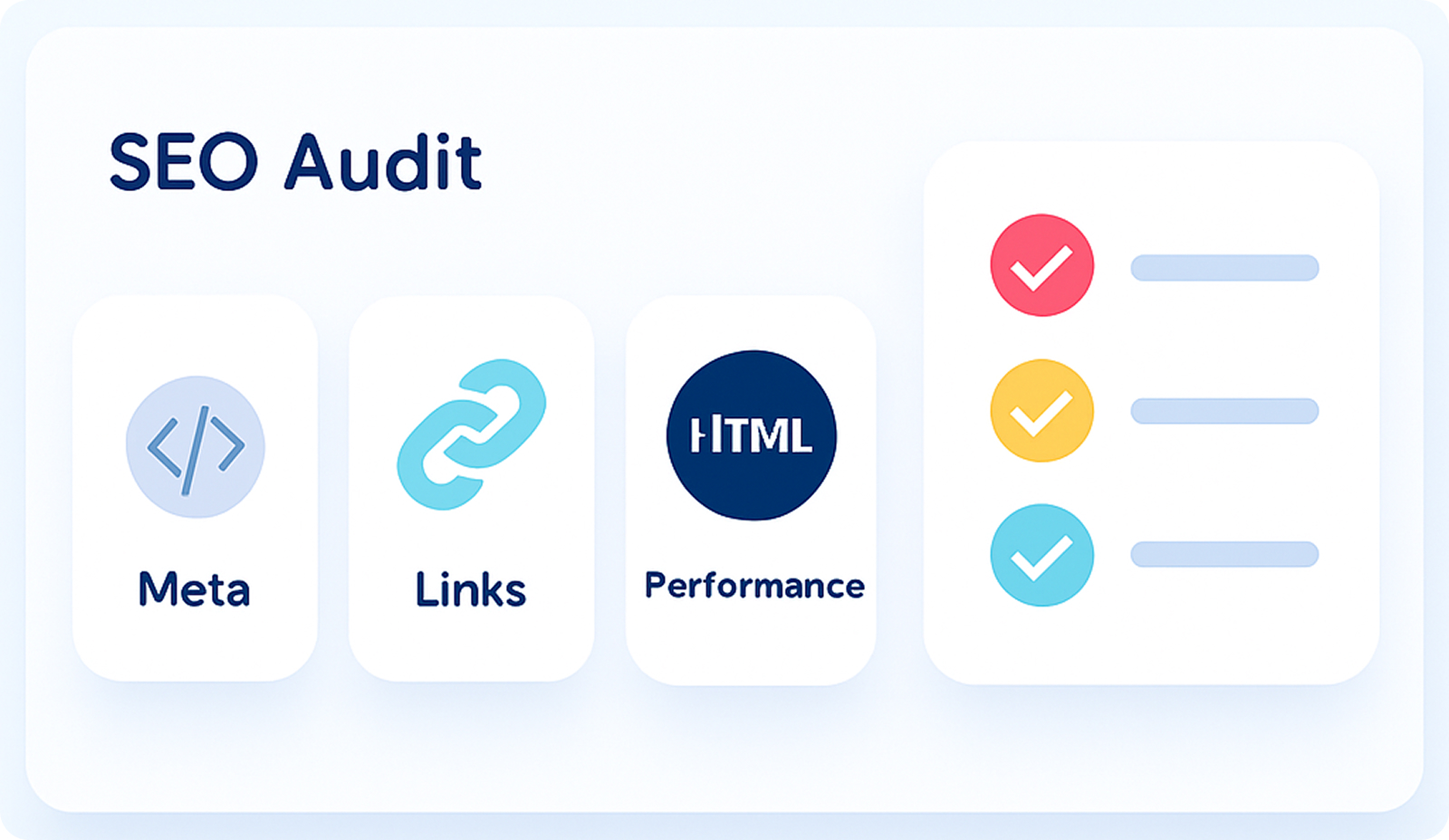
A website audit is a comprehensive evaluation of a website's performance in terms of SEO, content quality, technical health, and user experience. It identifies areas needing improvement and helps businesses align their online presence with best practices. Think of a website audit as a check-up at the doctor's office. Just as a physician identifies potential health issues before they become serious, a website audit uncovers technical glitches, broken links, and content gaps before they affect your rankings or user experience.
The depth of an audit can vary, but at its core lies the essential analysis of technical SEO, content quality, and overall website performance. Optilinko's Rank Tracker module takes the guesswork out of auditing with an intuitive interface that walks users through the audit process step by step.
How to Access Website Audit in Optilinko
Getting started with Optilinko's Website Audit is straightforward and user-friendly. Follow these steps to unlock valuable insights into your site’s performance:
Go to Rank Tracker
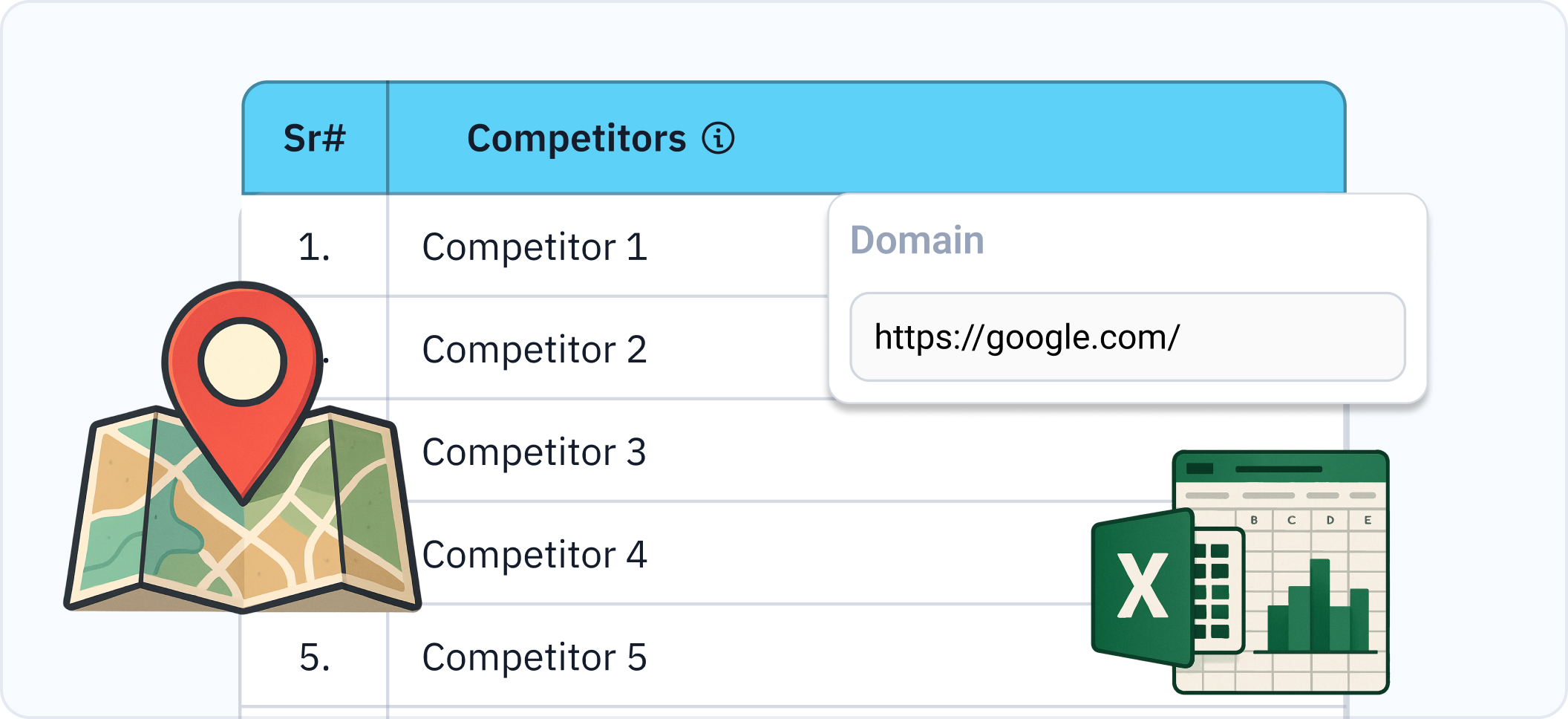
Begin by logging into your Optilinko account. Upon entering, navigate to the Rank Tracker module from the dashboard. This hub serves as your command center for tracking rankings and conducting audits.
Navigate to Website Audit
Once in Rank Tracker, find the Website Audit option in the sidebar. This is where the magic happens, transforming your website data into actionable insights.
Select Your Project and Start the Audit
Select the project you wish to audit. With a simple click, you can initiate the audit process. Optilinko will crawl your site, gathering data to help you understand the strengths and weaknesses of your online presence.
Exploring the Sections of Optilinko Website Audit
Once the audit is complete, you'll be presented with a wealth of information organized into four key sections: Overview, Crawled Pages, Meta Analysis, and Issues Page.
Overview
Your Website's Health at a Glance
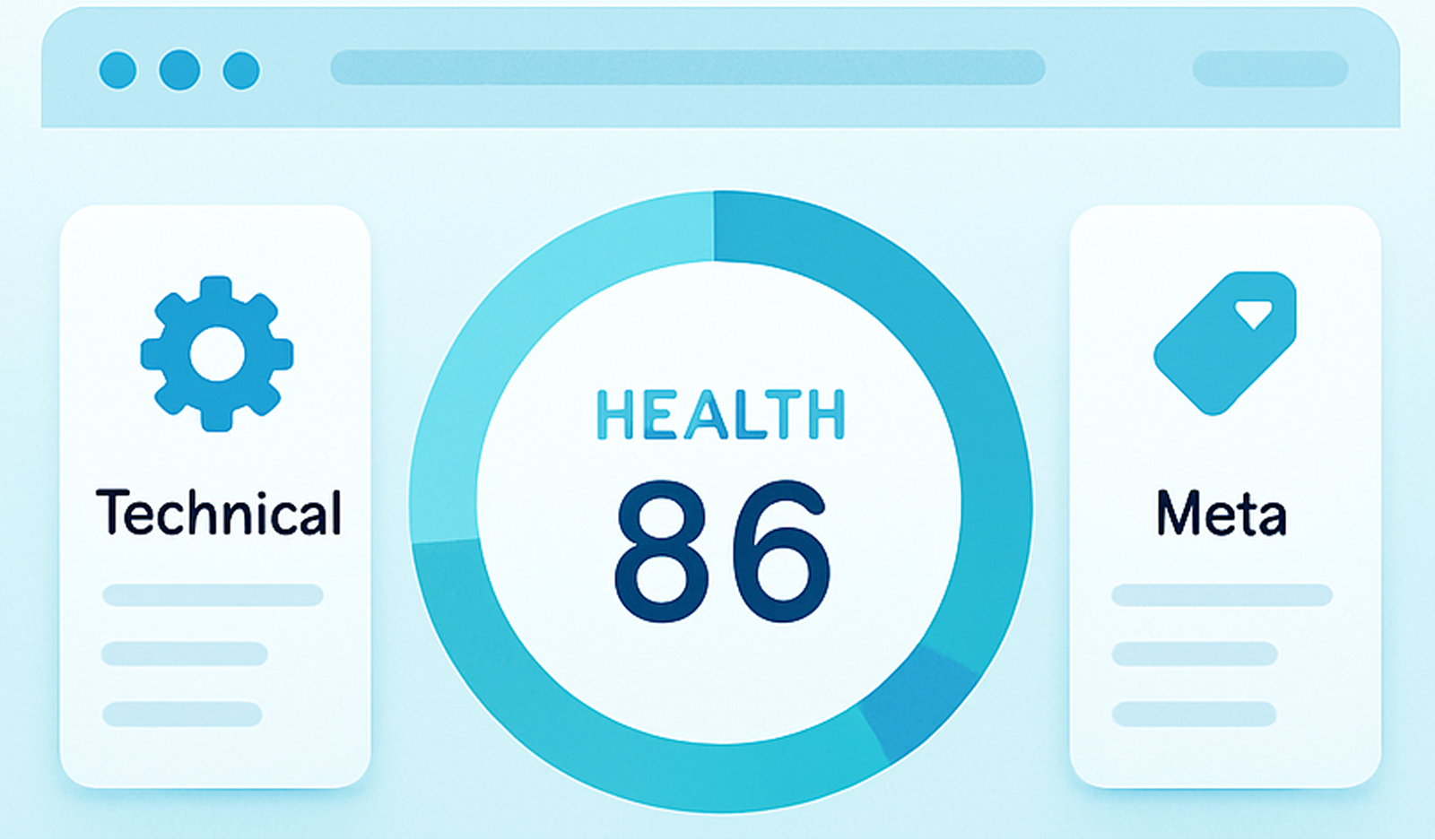
The Overview section provides a general health score for your website, giving you a quick snapshot of its overall performance. You'll also find quick insights into the technical, meta, and performance status, allowing you to identify areas that require immediate attention. This section acts as a dashboard, highlighting key areas for improvement.
Crawled Pages:
The Heart of Your Website
This section displays all the pages that Optilinko successfully crawled on your website. It's a comprehensive list of your website's content, providing a foundation for further analysis. By clicking on any page in the list, you'll be taken to the Meta Analysis Page, where you can delve into the specific details of that page.
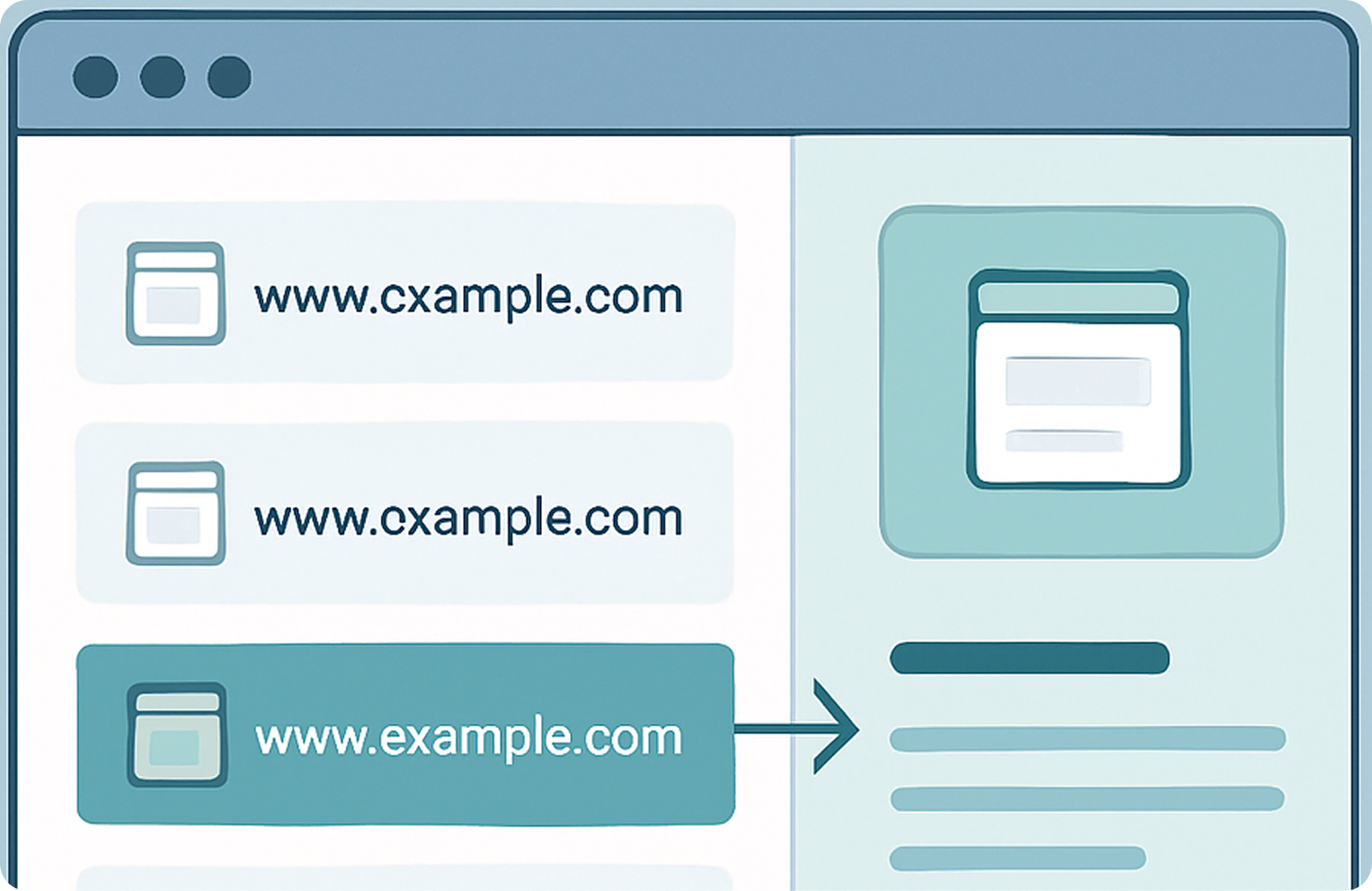
Meta Analysis Page: Unveiling On-Page SEO Secrets
The Meta Analysis Page provides a granular view of each page's on-page SEO elements. Here's a breakdown of what you'll find:
Identifying and Resolving Problems
The Issues Page is a comprehensive list of all the issues detected across your website during the audit. These issues are categorized to help you prioritize your efforts:
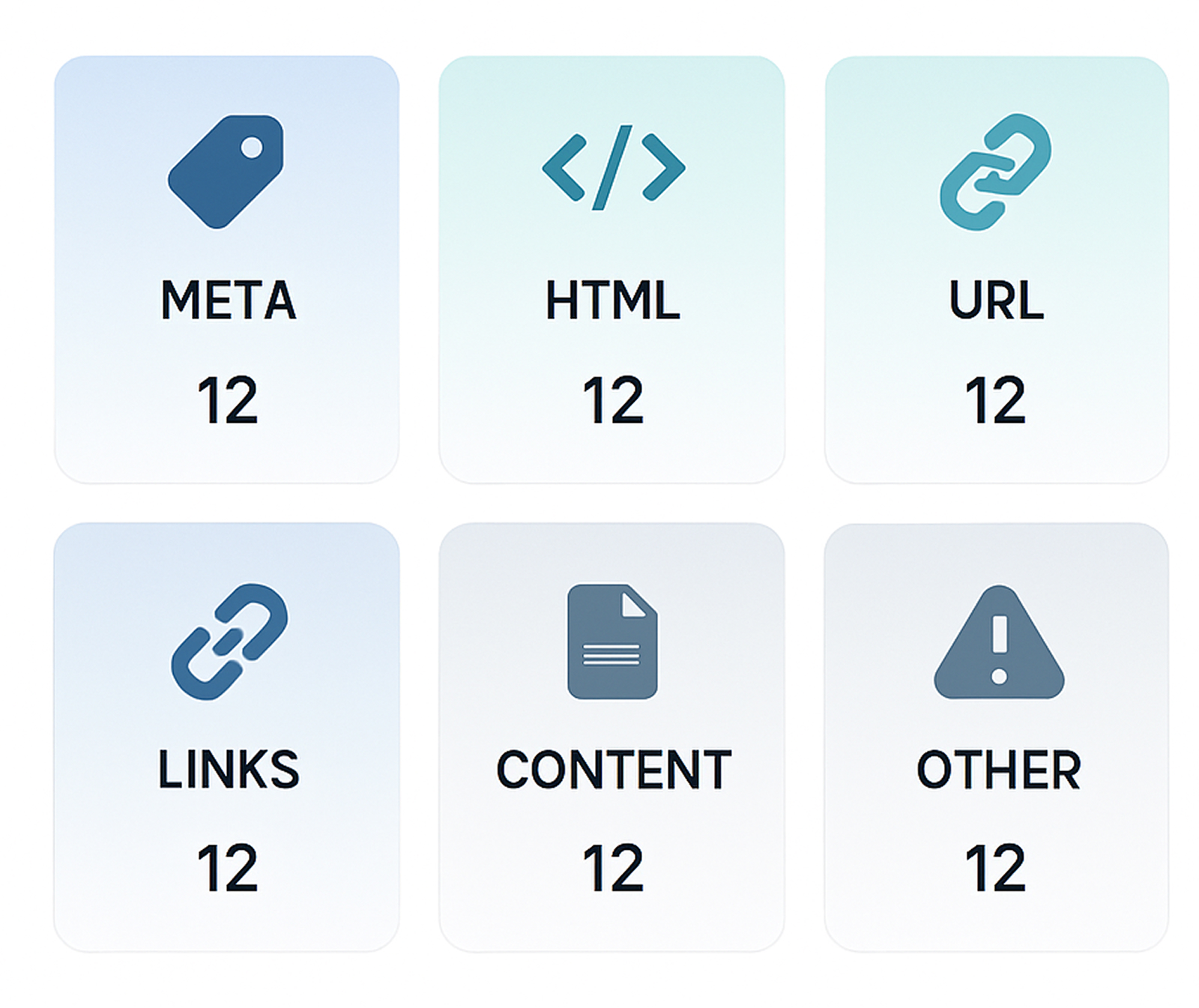
This comprehensive list allows you to address technical SEO issues and content-related problems efficiently, improving your overall SEO.
Meta Issues
Missing or duplicate meta descriptions, title tags, and other meta-related problems.
HTML Issues
Errors in your website's HTML code that can affect its rendering and functionality.
URL Issues
Problems with your website's URLs, such as broken links or incorrect redirects.
Link Issues
Broken internal or external links, missing links, and redirect chains.
Content Issues
Thin content, duplicate content, and other content-related problems.
Other Issues
Canonical errors, sitemap issues, and other miscellaneous problems.
Why Use Optilinko Website Audit?
The decision to use Optilinko for your website audit is an investment in your online presence. Here are some compelling reasons to consider:
Centralized Audit with Both Technical + Content Insights
Optilinko provides an all-in-one platform for auditing that encompasses both technical SEO metrics and content quality assessments. This centralized approach eliminates the need for multiple tools, simplifying your workflow.

Actionable Issue Detection to Fix Problems Fast
With clear categorization of SEO issues, Optilinko enables you to prioritize fixes based on severity and impact. This actionable intelligence ensures that you can address the most critical problems first, saving you time and resources.
Helps Boost Rankings, Crawlability, and User Experience
By regularly auditing your site with Optilinko, you can enhance your overall SEO health, leading to improved search rankings. A well-optimized site is more likely to be crawled efficiently, enhancing visibility and driving organic traffic. Furthermore, a better user experience translates to higher engagement and conversion rates.
Your Path to SEO Excellence Starts Here
In today's competitive online landscape, a well-optimized website is essential for success. Optilinko Rank Tracker's Website Audit empowers you to take control of your website's SEO, identify and fix issues, and ultimately achieve your online goals. By utilizing Optilinko's comprehensive auditing capabilities, you can transform your website into a high-performing asset that attracts more traffic, engages more users, and drives more conversions. Start your journey to SEO excellence today by leveraging the power of Optilinko Website Audit.
Frequently Asked Questions
Our team is always here to help you with quick, clear, and reliable answers whenever needed.
A website audit is a comprehensive evaluation of your website’s performance in areas such as SEO, content quality, technical health, and user experience. It identifies opportunities for improvement.
It is recommended to perform a website audit at least quarterly or whenever significant changes are made to your site. Regular audits help maintain optimal performance.
Optilinko provides a centralized platform that combines technical and content insights, actionable issue detection, and an easy-to-use interface that simplifies the auditing process.
Yes, Optilinko’s Rank Tracker module allows you to monitor your website's SEO rankings over time, providing valuable insights into your performance.
Website audits can detect various issues, including broken links, missing or duplicate tags, thin content, HTML errors, and more.
Absolutely! Optilinko is designed for SEO professionals, digital marketers, and agencies, offering features that cater to managing multiple client projects efficiently.
Yes, by addressing the issues identified in the audit, you can significantly improve your website’s performance, leading to better search rankings and user experience.