Is Your Website a Black Box?
Unlock Page-Level SEO Secrets with Optilinko
Are you tired of generic SEO reports that only scratch the surface? Do you feel like you're throwing spaghetti at the wall, hoping something sticks? Are you losing sleep wondering why specific pages aren't ranking, despite your best efforts? The problem isn't your effort; it's likely a lack of granular, page-level insight. You need to dive deep, understand each page's performance individually, and fix the hidden issues holding you back.
Understanding Crawled Pages
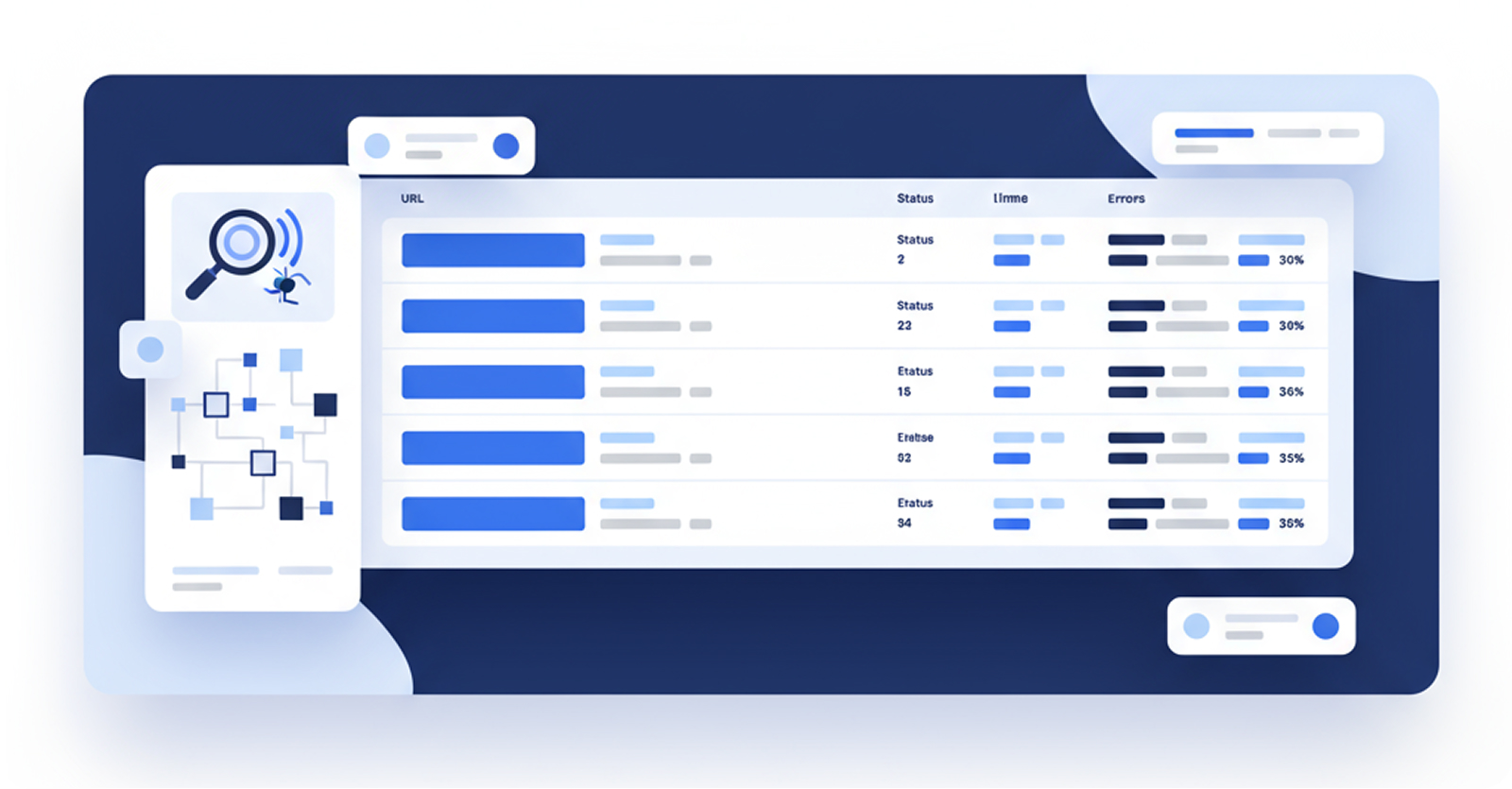
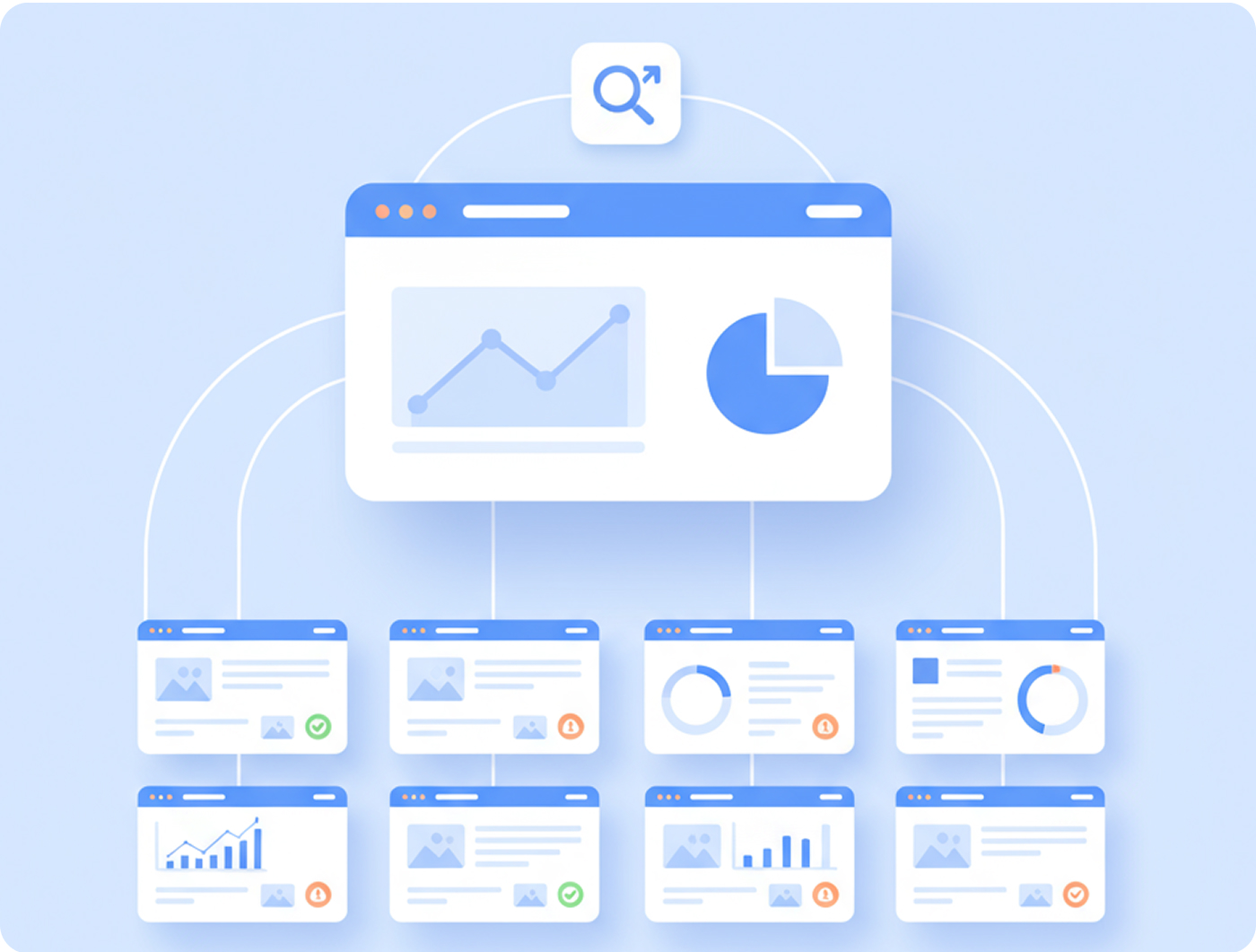
Before we delve into the functionality of the Optilinko Crawled Pages, let's clarify what it actually means. In essence, Crawled Pages refers to the collection of URLs that an SEO audit tool scans during its analysis of a website. The Crawled Pages table is a comprehensive display of all URLs examined, providing critical information about each page's performance.
Why Track Individual Page Performance?
Tracking performance at the page level is crucial for several reasons:

With these points in mind, let’s explore the Crawled Pages Table Overview to fully appreciate what it reveals.
Crawled Pages Table Overview
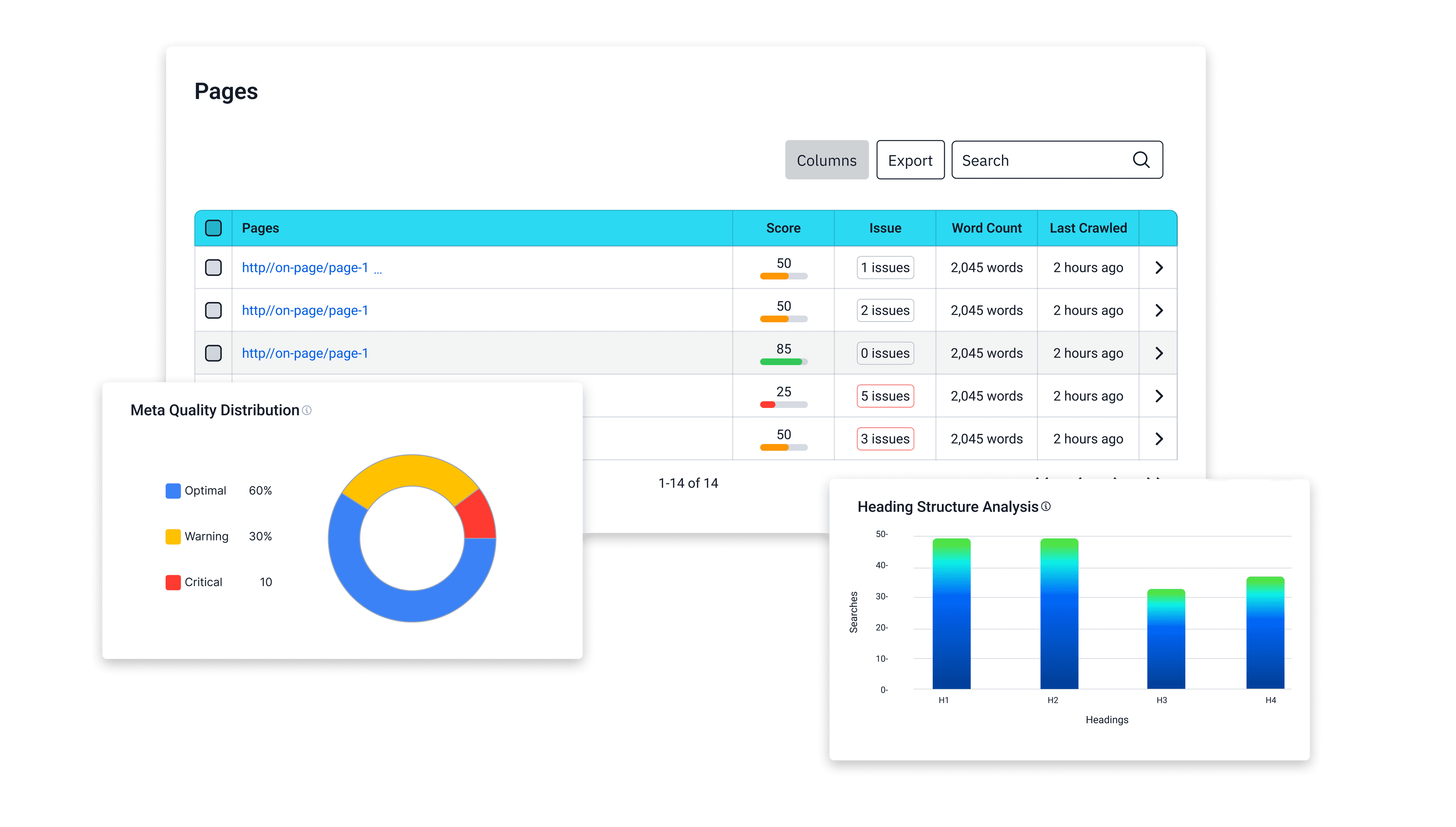
The Crawled Pagestable is a treasure trove of information, featuring several key columns that give a detailed snapshot of each URL's health. Here’s what you can expect to see:
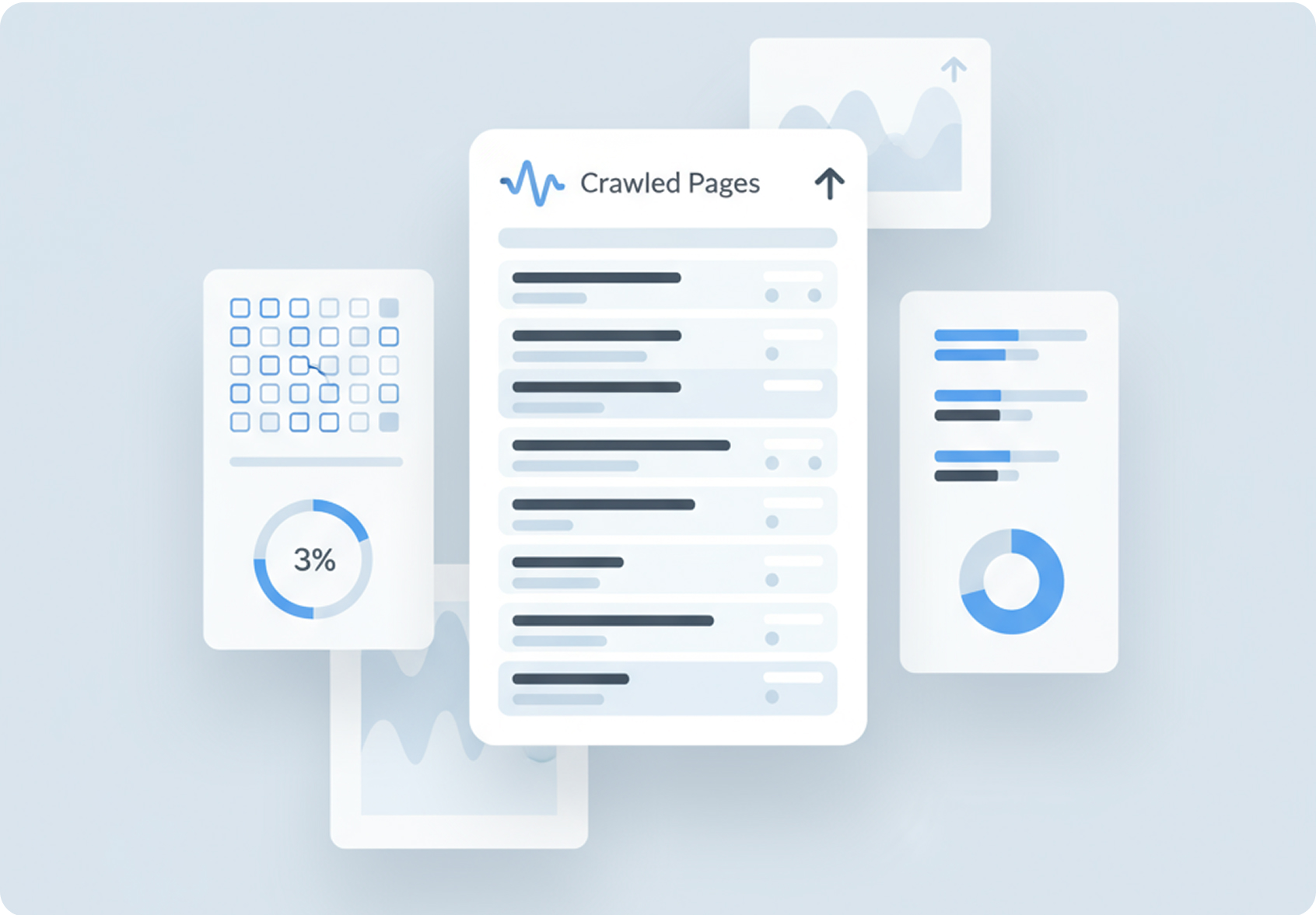
Understanding these columns is the first step in leveraging the Crawled Pages feature effectively. But how can you utilize this data? Let&s explore the actions and features available to you.
Accessing the Power of Crawled Pages
Unlocking these insights is surprisingly straightforward:
Go to Rank Tracker → Website Audit
Navigate to the Rank Tracker section in your Optilinko dashboard and select 'Website Audit.'
Select a project.
Choose the website you want to analyze. If you haven't already, create a project for your website.
Click on the Crawled Pages tab.
Once your project is selected, you'll see a menu of options. Click on the 'Crawled Pages' tab.
View the list of all crawled pages of your project.
Here, you'll find a comprehensive list of every page Optilinko has crawled on your website.
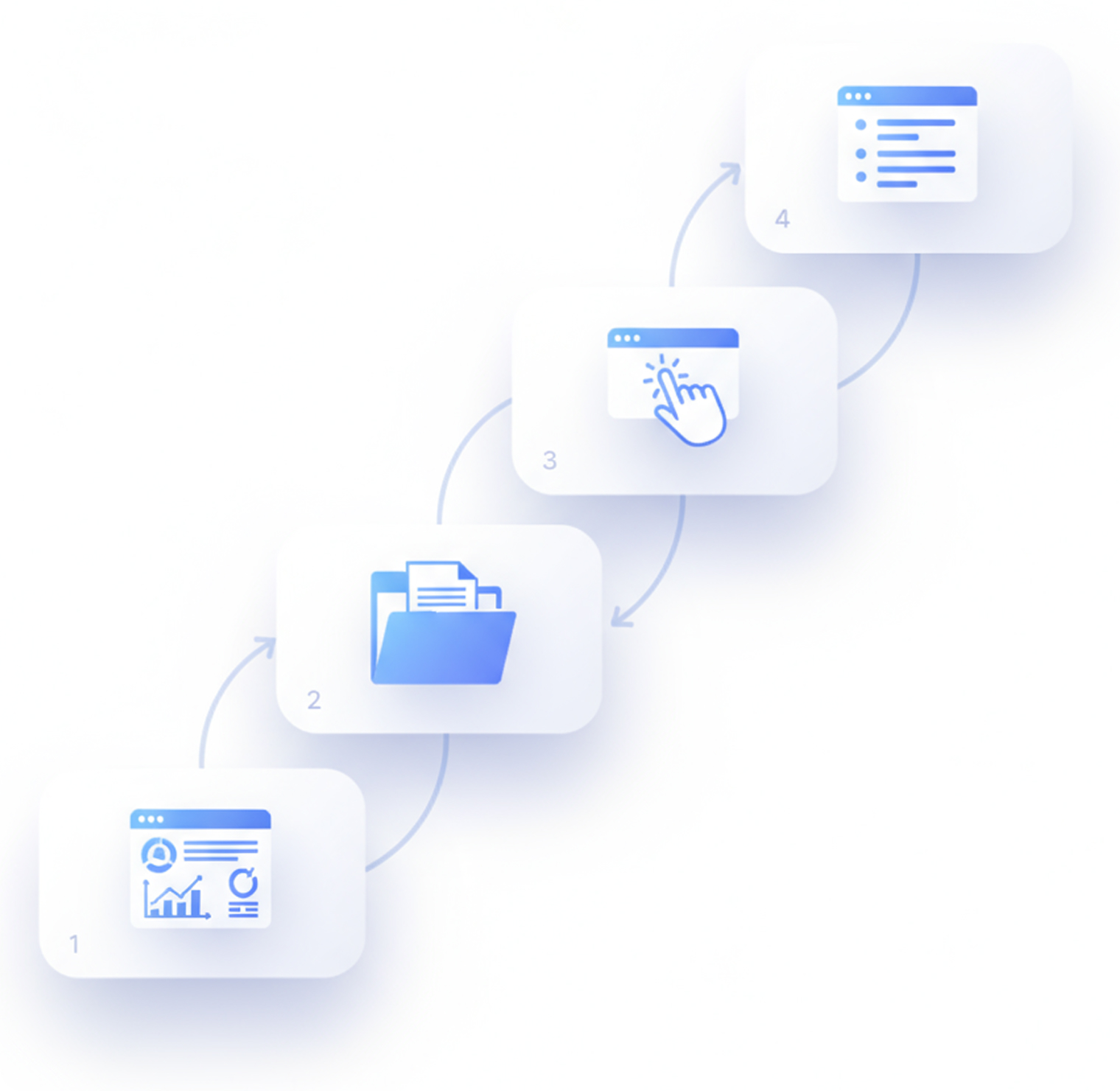
The entire process is developed to be efficient and user-friendly, allowing you to quickly gather the information you need to make informed decisions.
Working with Crawled Pages
From List to Laser Focus
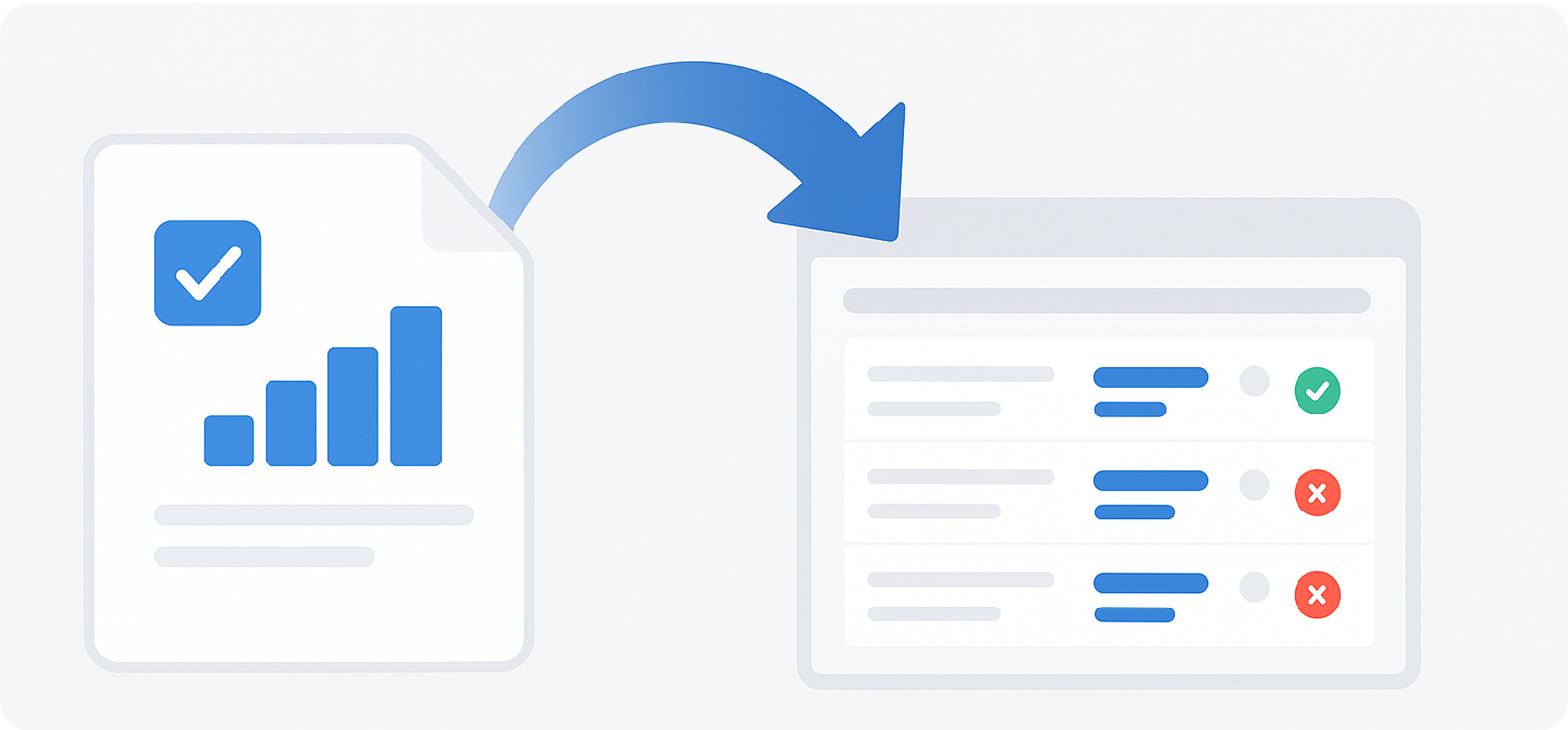
Each crawled page represents a URL scanned during the audit. This is where the magic begins. Clicking on any page in the list opens its dedicated Meta Analysis Page, a treasure trove of SEO insights. This page provides a deep dive into the on-page elements that influence search engine rankings and user experience.
Meta Analysis
The Meta Analysis Page is a treasure trove of information, broken down into several critical sections:
Meta Quality Distribution
First up is the Meta Quality Distribution chart. This visual representation helps you gauge how well your page metas are optimized. It categorizes your meta tags into 'Good' vs. 'Weak', allowing you to immediately identify areas that need improvement.

Heading Structure Analysis
Next, the Heading Structure Analysis section provides insights into your use of H1 through H6 headings. It highlights any missing, duplicated, or misused headings—essential elements that search engines use to understand the hierarchy and importance of your content.

Title, Tag & Description Analysis
Here, you’ll see your current Title and Description displayed. Optilinko checks if these elements are unique, optimized, and within best practice length. This analysis is crucial, as compelling titles and descriptions can significantly impact click-through rates.

Social Media Tags
In today's social media-driven world, the Social Media Tags section ensures your content is share-ready. It checks for the availability of Open Graph and Twitter tags, ensuring your page looks engaging when shared on social platforms.

Technical Meta Information
The Technical Meta Information section dives deep into the nitty-gritty. Here, you’ll find critical SEO tags such as canonical tags, robots directives, and hreflang tags. Understanding these elements can prevent indexing issues and improve your site's visibility.

Performance Section
Page load speed is important for user experience and SEO. The Performance Section offers insights into your page load speed and other technical performance indicators. Identifying slow pages can help you make necessary adjustments that improve user satisfaction and retention.

Links Analysis
The Links Analysis section breaks down the internal and external links present on your page. Here, you can detect broken or missing links, which can negatively impact your site's authority and user experience.

Scripts & Stylesheets
In the Scripts & Stylesheets section, you can view the scripts and CSS files loaded on your page. This analysis helps you identify issues that might affect performance or SEO, allowing you to streamline your site for better efficiency.

Page Content Overview
The Page Content Overview provides an analysis of your textual content, including keyword distribution and density. This section identifies over-optimization or thin content, ensuring your pages maintain a healthy balance of information.

Readability & Consistency Analysis
Finally, the Readability & Consistency Analysis section evaluates your content's readability score. It checks for grammar consistency and flow, providing insights that can enhance user engagement.
Why Crawled Pages Matter
Unveiling the Power of Granular Insights
The true power of Optilinko's Crawled Pages lies in its ability to provide granular, page-level insights. This allows you to:
Understanding these columns is the first step in leveraging the Crawled Pages feature effectively. But how can you utilize this data? Let&s explore the actions and features available to you.
Conclusion: Take Control of Your On-Page SEO
Don't let your website remain a black box. With Optilinko Rank Tracker's Crawled Pages, you can unlock the power of granular, page-level insights and take control of your on-page SEO. By identifying and addressing the specific issues holding your pages back, you can improve your search engine rankings, increase your website's visibility, and deliver a superior user experience. Start your journey to SEO mastery today!
Frequently Asked Questions (FAQs)
Our team is always here to help you with quick, clear, and reliable answers whenever needed.
On-page SEO refers to the optimization of individual web pages to improve their search engine rankings and earn more relevant traffic. It involves various practices, including optimizing content, HTML source code, and site architecture.
It's advisable to conduct an SEO audit at least quarterly. However, if you make significant changes to your website or notice fluctuations in traffic, more frequent audits may be necessary.
The overall SEO score provides a snapshot of your website’s health, enabling you to gauge its performance and identify areas that need improvement. A higher score typically correlates with better search engine rankings.
If you have duplicate content, consider implementing canonical tags to signal to search engines which version of the content should be indexed. Additionally, you may need to rewrite or remove duplicate pages.
Site speed is a crucial ranking factor for search engines. A faster site improves user experience, decreases bounce rates, and can lead to higher conversions.
Meta descriptions are HTML attributes that provide a brief summary of a webpage's content. They are important for SEO as they appear in search results and can affect click-through rates.
To improve crawlability, ensure your site has a well-structured URL hierarchy, a clear sitemap, and an optimized robots.txt file. Additionally, minimizing render-blocking resources can help search engines access your pages more efficiently.