Optilinko On-Page SEO Overview |
Instant Health Check
In the dynamic world of digital marketing, where every click counts and every second of loading time can make or break a conversion, understanding the nuances of on-page SEO is critical. For marketers, agencies, and business owners alike, optimizing the website's on-page elements is no longer just a good practice; it’s a necessity. Enter Optilinko, your trusted ally in navigating the intricate landscape of website audits. This article provides a comprehensive overview of the On-Page Overview Page within Optilinko, a powerful tool designed to assess your website's on-page SEO health.
The Overview Page:
Your SEO Health Snapshot
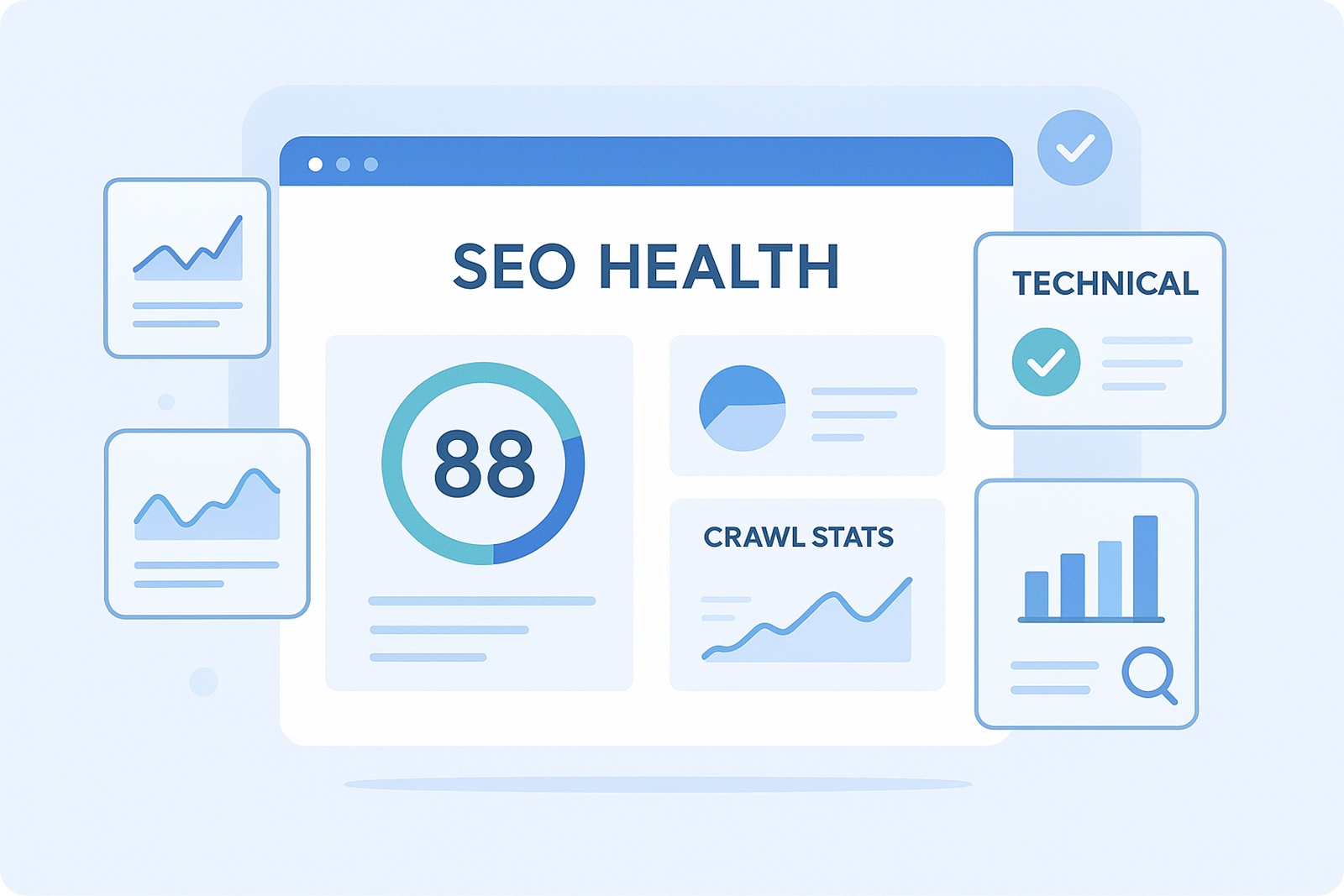
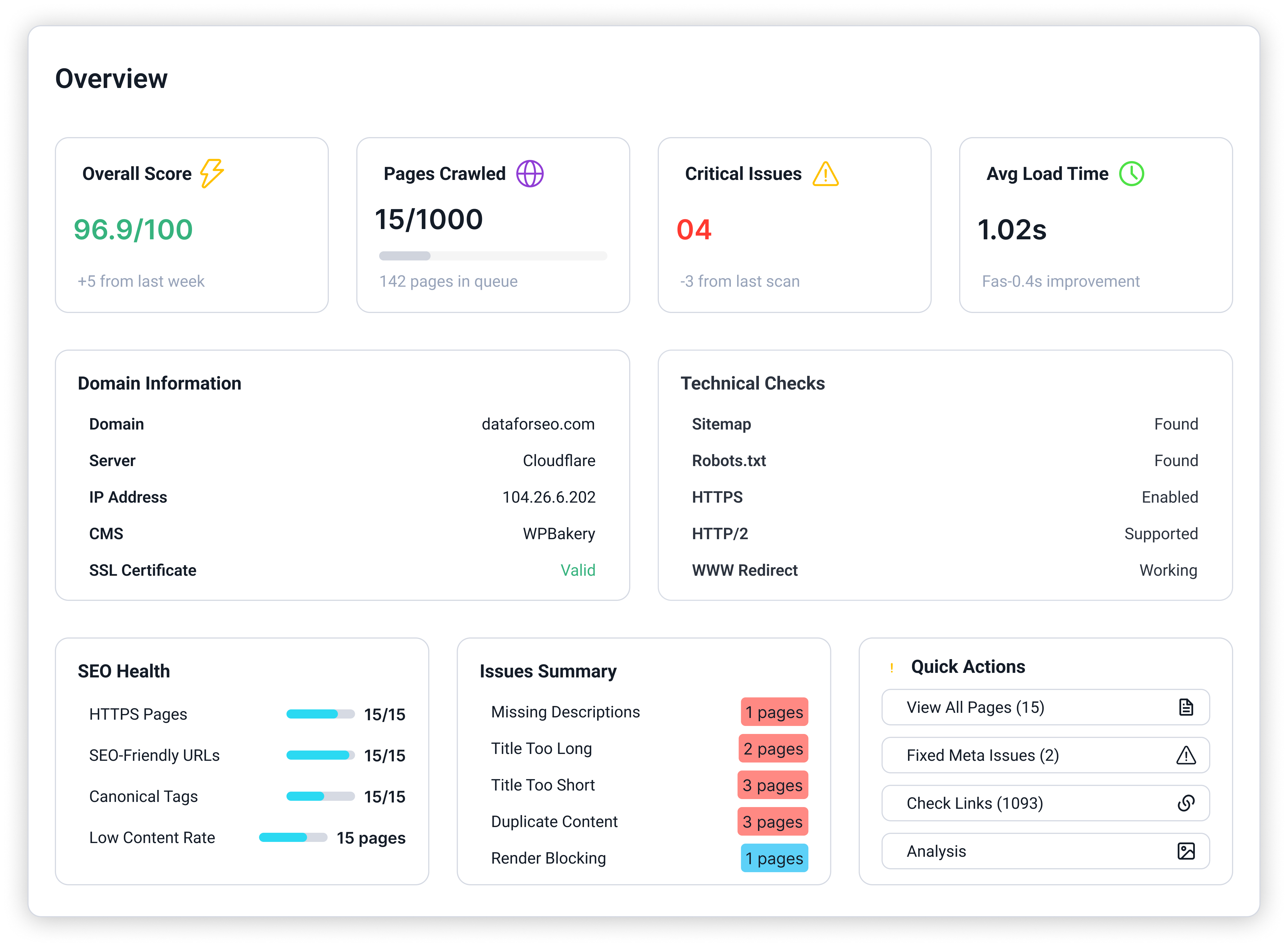
Imagine stepping into a vibrant hub that instantly reveals the heartbeat of your website—this is what the On-Page Overview Page in Optilinko offers. It serves as a starting point for users to delve deeper into their website’s SEO performance, providing a high-level summary of crucial metrics that highlight both strengths and areas needing attention.
The purpose of the Overview Page is clear: it delivers a snapshot of your site’s on-page SEO performance, technical health, and crawl statistics. It’s the first dashboard users see when they conduct a website audit, setting the stage for tailored actions and in-depth analysis.
Overall Performance Metrics: The Health Indicators
At the heart of the Overview Page lies a series of performance metrics that are akin to the vital signs of your website. Each metric is designed to provide immediate insights into the current state of your on-page SEO.

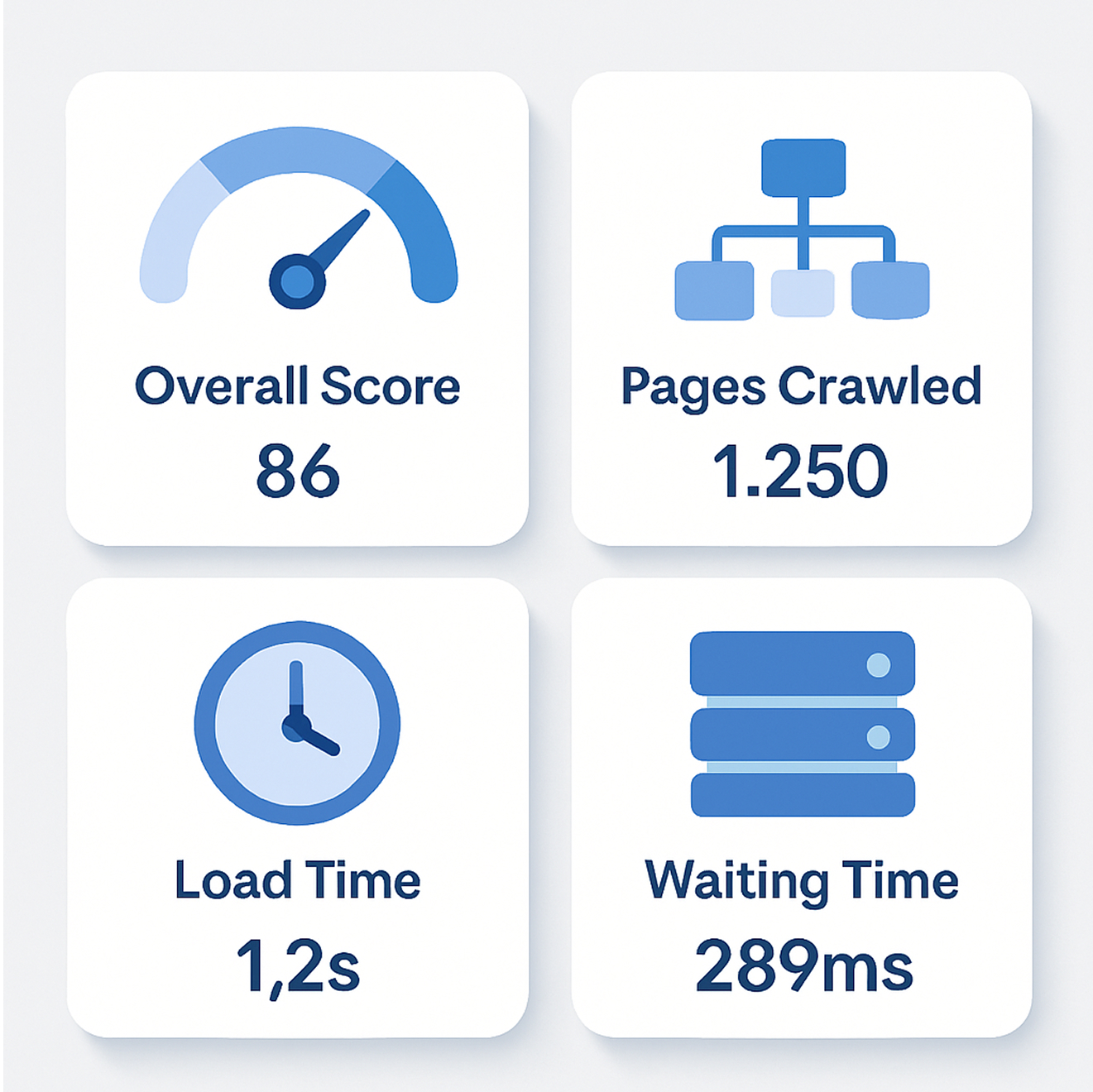
These metrics reflect essential elements of site speed, crawlability, and overall optimization. For instance, a website with a high overall score and low load times is likely to rank better on search engines, providing a smoother user experience. Understanding these metrics is key to prioritizing areas for improvement.
The SEO Health Section:
Trust and Compliance Signals
Once you’ve grasped the overall performance, the SEO Health Section dives deeper. Here, data is presented with percentages that indicate how well your website complies with essential SEO practices.
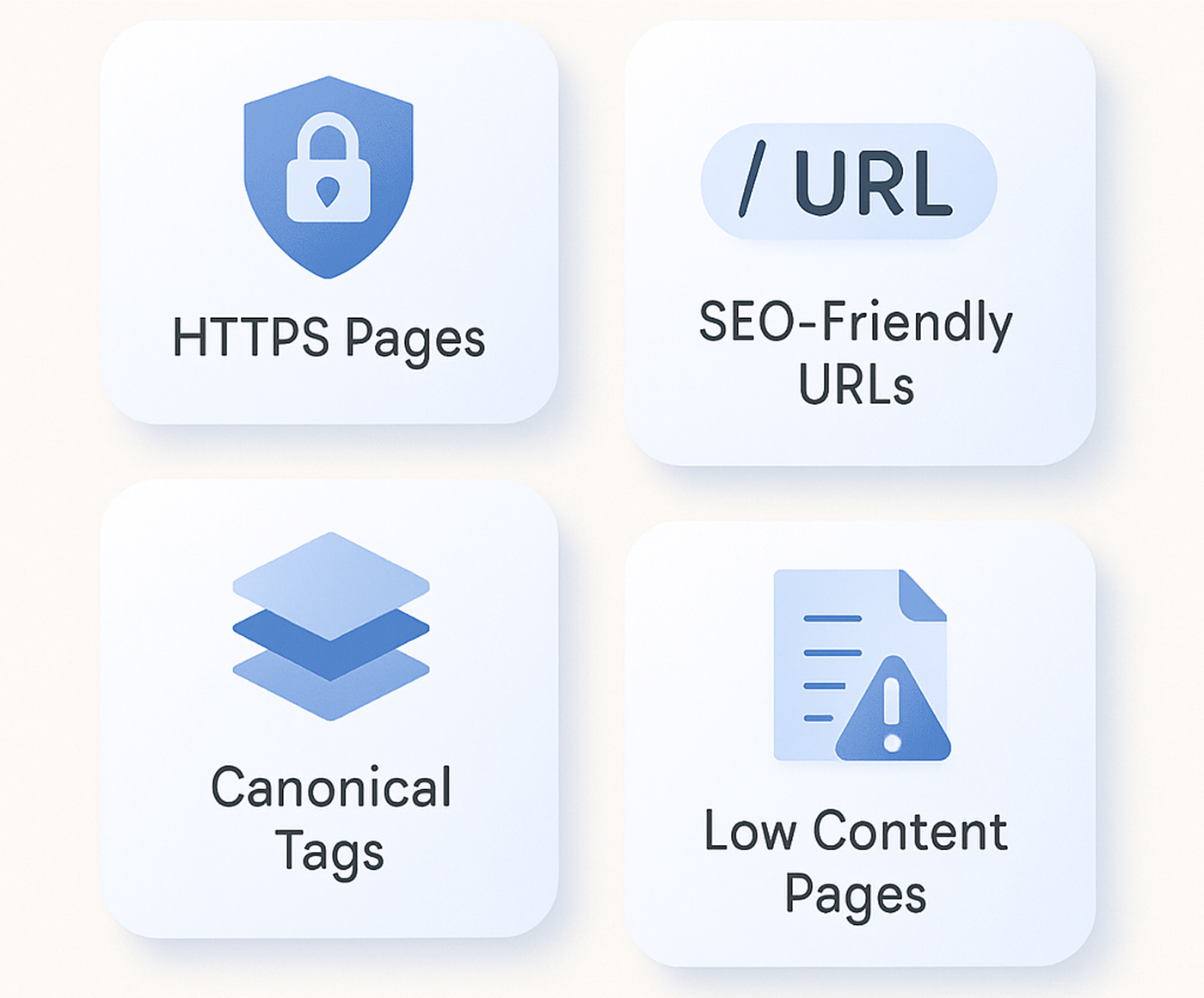
This section underscores the importance of trust, compliance, and quality signals in the eyes of search engines. By ensuring that your site maintains a healthy percentage of HTTPS pages and SEO-friendly URLs, you build a stronger case for search engines to rank your site favorably.
Issues Summary
No SEO audit would be complete without a thorough examination of potential problems. The Issues Summary section acts as a red flag dashboard, flagging critical and common issues that can hinder your website's performance.

Identifying these issues is essential for a successful SEO strategy. For example, if you find duplicate content across several pages, it’s an immediate call to action to either consolidate that content or employ canonical tags to indicate the preferred version.
Quick Actions
What sets Optilinko apart is its focus on convenience and efficiency. The Quick Actions section provides buttons for fast navigation, allowing users to take immediate steps to rectify issues directly from the Overview page.
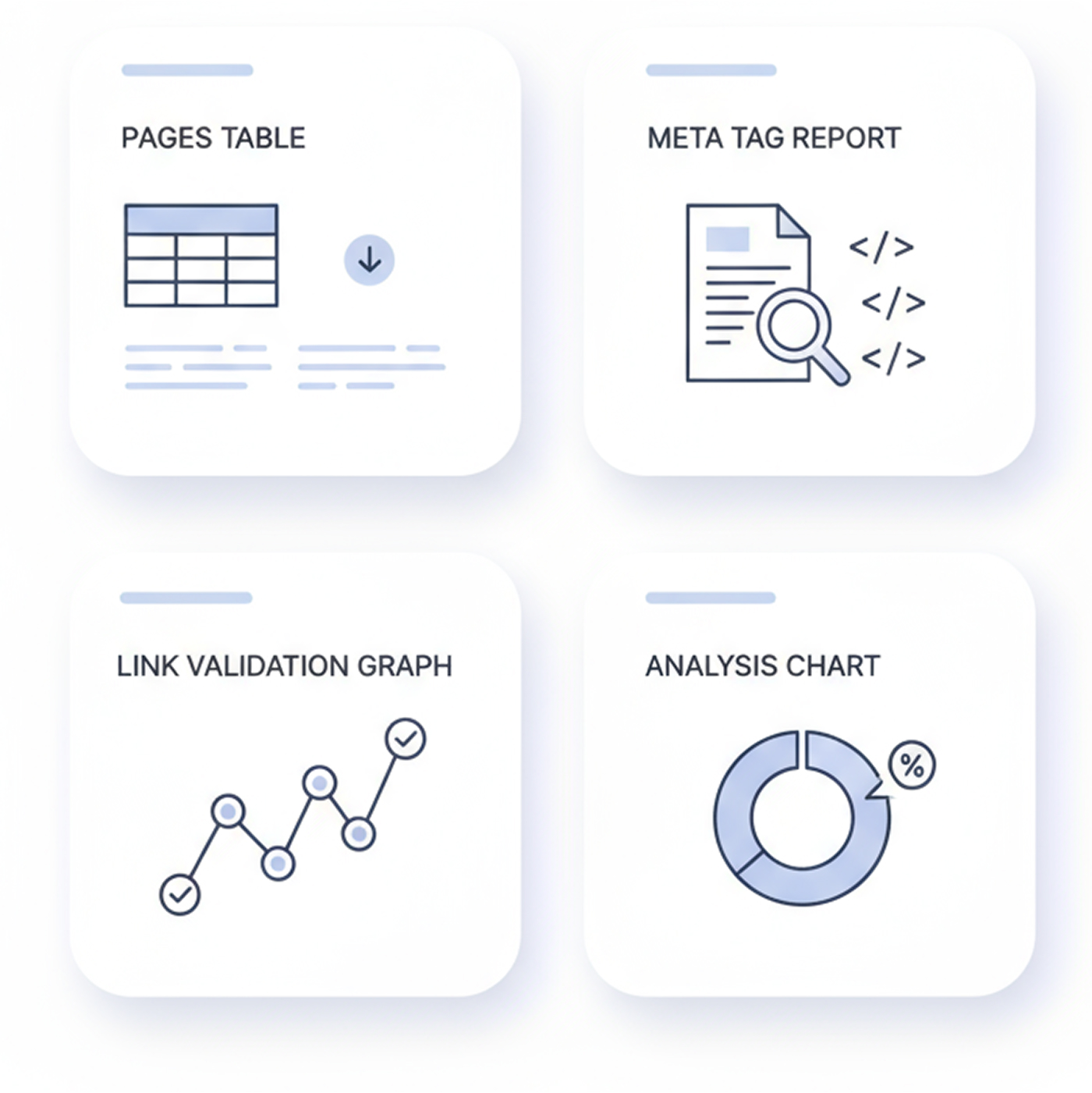
By incorporating these quick actions, Optilinko allows you to respond to issues efficiently, saving you the hassle of switching between tools. The convenience of taking action directly from your overview dashboard streamlines the optimization process, making it less daunting for users.
Domain Information
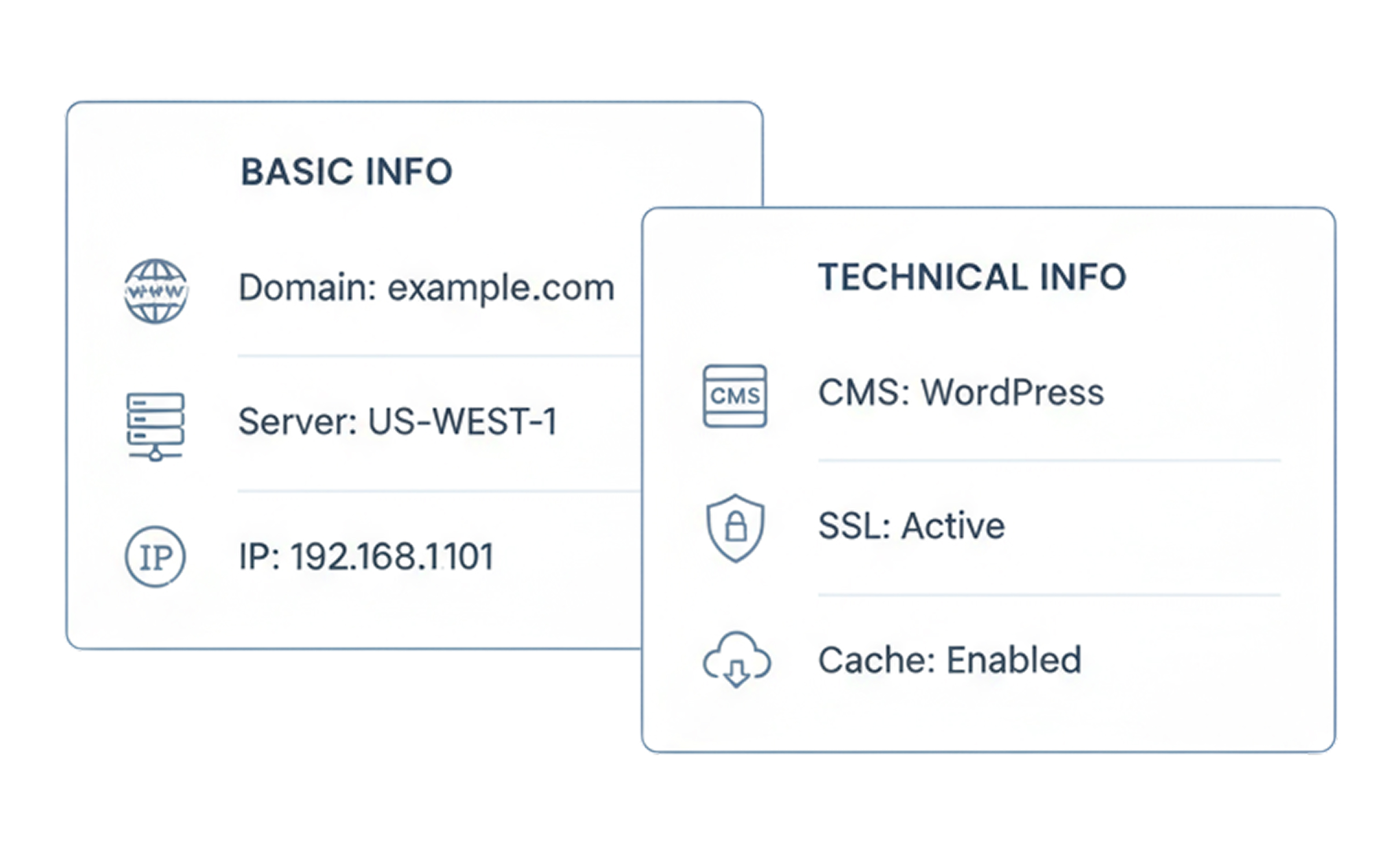
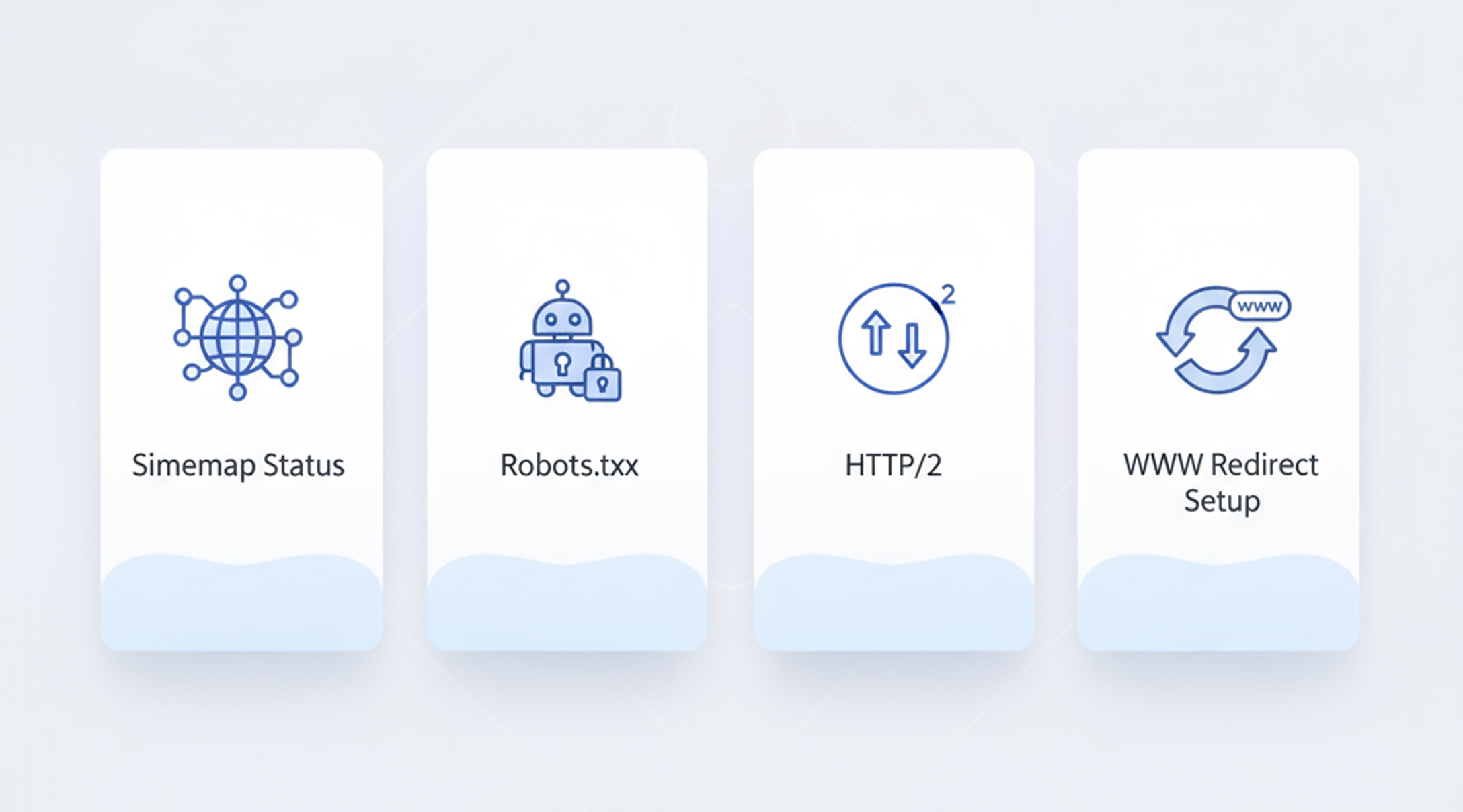
Understanding your website's infrastructure is crucial for effective optimization. The Domain Information section is divided into two panels: Basic Info and Technical Info, giving users clarity on the technical backbone of their site.
Basic Info
This panel includes essential details such as:
Technical Info
This panel provides technical insights, including:
Understanding this information letsou to make informed decisions about your site's infrastructure. For example, if your robots.txt file is misconfigured, it may prevent search engines from accessing important content, ultimately affecting your rankings.
Site-Wide Statistics
As we reach the final sections of the Overview page, the Site-Wide Statistics provide an aggregate view of your website's performance.
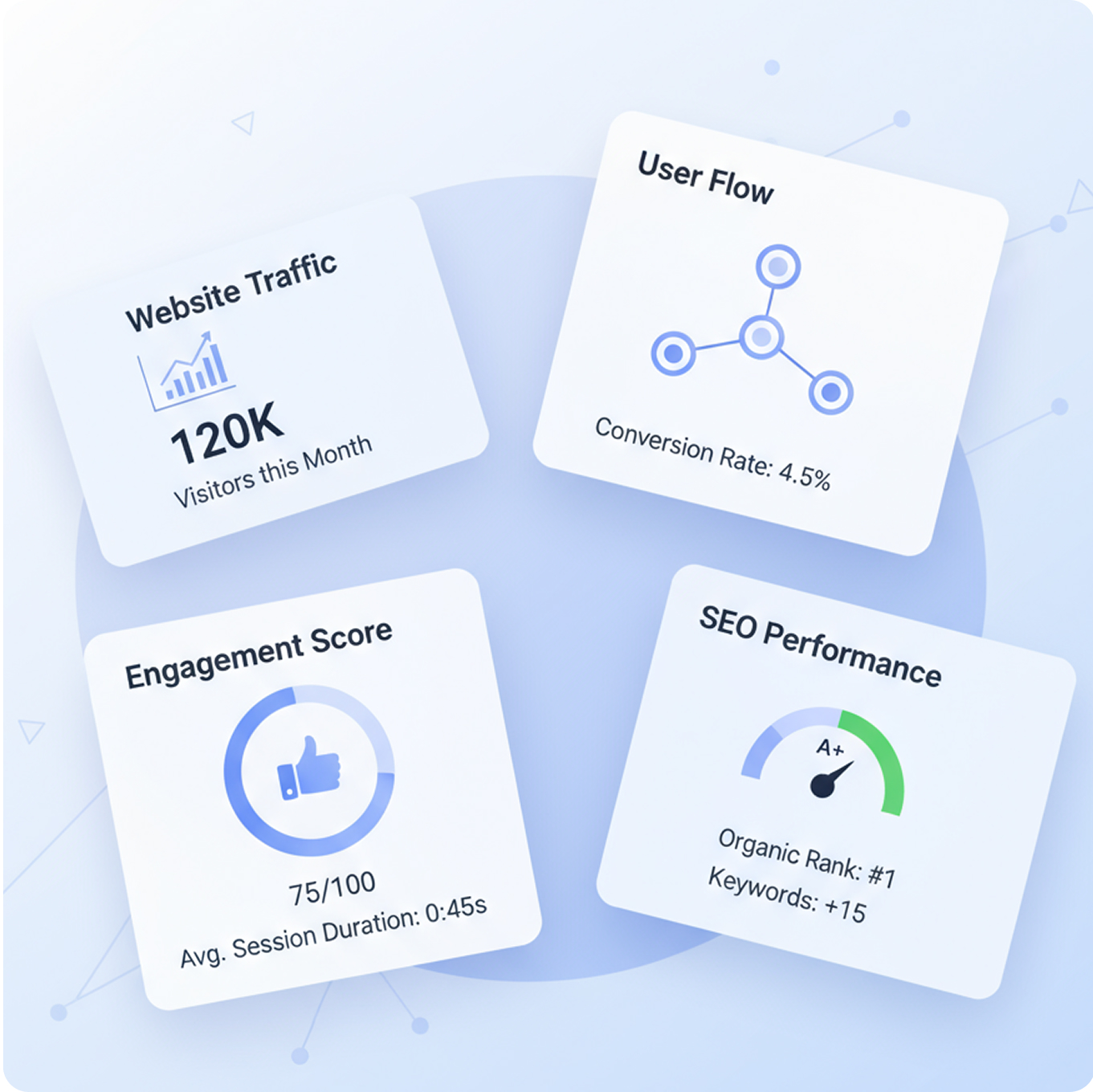
These statistics are particularly valuable for scalability and tracking larger websites. For instance, if you’re managing a website with thousands of pages, monitoring internal links and external links can help ensure that your site remains cohesive and authoritative.
Frequently Asked Questions (FAQs)
Our team is always here to help you with quick, clear, and reliable answers whenever needed.
On-page SEO refers to the optimization of individual web pages to improve their search engine rankings and earn more relevant traffic. It involves various practices, including optimizing content, HTML source code, and site architecture.
It's advisable to conduct an SEO audit at least quarterly. However, if you make significant changes to your website or notice fluctuations in traffic, more frequent audits may be necessary.
The overall SEO score provides a snapshot of your website’s health, enabling you to gauge its performance and identify areas that need improvement. A higher score typically correlates with better search engine rankings.
If you have duplicate content, consider implementing canonical tags to signal to search engines which version of the content should be indexed. Additionally, you may need to rewrite or remove duplicate pages.
Site speed is a crucial ranking factor for search engines. A faster site improves user experience, decreases bounce rates, and can lead to higher conversions.
Meta descriptions are HTML attributes that provide a brief summary of a webpage's content. They are important for SEO as they appear in search results and can affect click-through rates.
To improve crawlability, ensure your site has a well-structured URL hierarchy, a clear sitemap, and an optimized robots.txt file. Additionally, minimizing render-blocking resources can help search engines access your pages more efficiently.
Conclusion: Empowering Your SEO Journey
In the fast-paced digital landscape, staying ahead of the competition requires not just a keen understanding of on-page SEO but also the right tools to navigate the complexities involved. The On-Page Overview Page within Optilinko serves as a powerful ally, integrating various metrics and insights into a user-friendly dashboard. By leveraging this tool, website owners can gain a comprehensive understanding of their site’s SEO health, identify critical issues, and implement actionable solutions.
In conclusion, embracing the power of on-page SEO through tools like Optilinko not only enhances your website’s visibility but also paves the way for a more engaging user experience. As you venture on your SEO journey, remember that informed decisions lead to better results. By regularly monitoring your site’s performance and taking proactive steps to optimize, you can ensure that your digital presence remains strong and competitive.
With a commitment to ongoing improvement and adaptability, your website will be well-positioned to thrive in an ever-evolving online environment.